NimbleFiles
Free file tools that don't ask for anything.
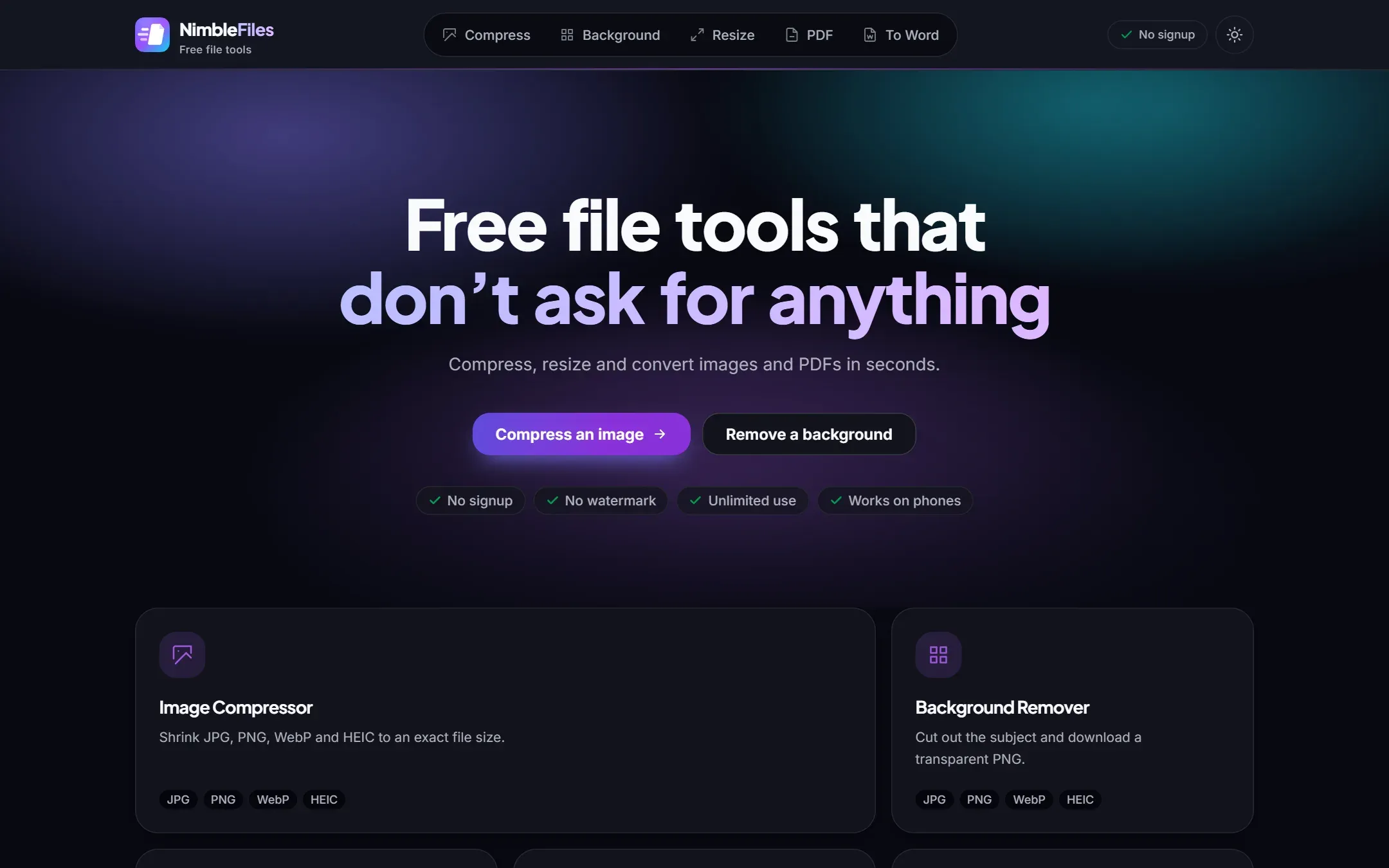
Image and PDF tools that run in the browser: compression, resizing, AI background removal and PDF to Word. Launched September 2026, covered by an end-to-end Playwright suite.
The problem
Every “free” file tool online has the same catch. You drop in a PDF, wait, and then get told to sign up, pay, or accept a watermark. Half of them also upload your passport scan to a server you know nothing about.
I wanted the opposite: open the page, drop the file, download the result.
What it does
- Compress images. JPG, PNG, WebP and iPhone HEIC, up to 30 at once, or down to an exact target like 100KB for an upload form.
- Resize by pixels, percentage, or one of 54 presets for Instagram, TikTok, YouTube, LinkedIn and passport photos.
- Remove backgrounds with an AI model that runs in the browser, and export a transparent PNG, or drop the subject onto white or an ID-photo colour.
- Compress PDFs to get under email limits, and convert PDF to Word, scanned documents included.
How it’s built
Everything runs client-side. The processing happens on your own machine, so there’s nothing to upload and no server bill that grows with traffic. That one decision is what lets the site stay free with no daily cap.
It’s an Astro site, so each tool page ships as static HTML and only hydrates the parts that need JavaScript. There are also landing pages for specific jobs people search for, like Compress a JPG to 100KB or Convert HEIC to JPG.
Keeping it maintainable
I wrote an automated end-to-end test suite in Playwright that runs against real Chromium, covering smoke tests across the site, the background remover, and visual design checks. I also documented the system architecture and the design system, so the codebase stays easy to change as it grows.
What’s next
I launched in September 2026 and I’m now re-engineering NimbleFiles as a paid service with server-side AI document processing, for the jobs that are too heavy to run on a phone.